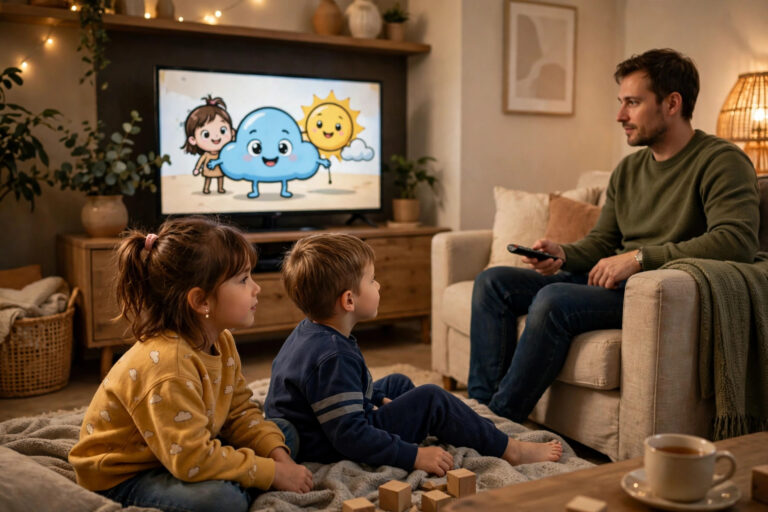
A Safe Viewing Setup for Kids: Profiles, Pins and Sensible Defaults
Direct answer: A safe kids’ streaming setup is four layers, set once and reviewed termly: (1) a kids profile of their own — its own favourites, its own home screen,


Direct answer: A safe kids’ streaming setup is four layers, set once and reviewed termly: (1) a kids profile of their own — its own favourites, its own home screen,
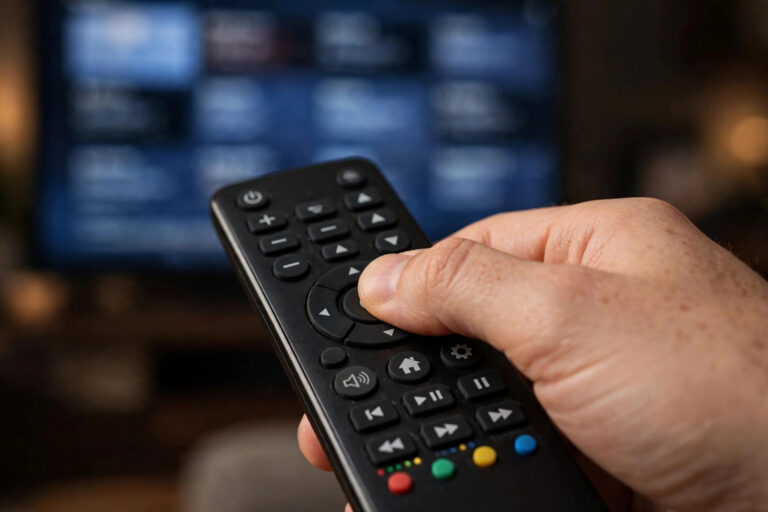
Direct answer: Remote fluency comes from six habits, not sixty buttons: (1) voice search for anything longer than three letters (voice done properly); (2) favourites as home base — build
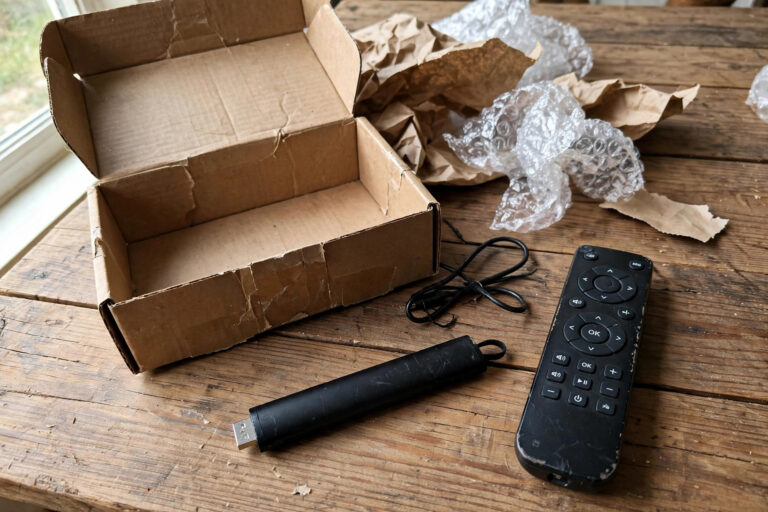
Direct answer: A second-hand streaming device is a good buy only when it passes five checks: (1) the model is young enough to still receive app updates — streaming devices
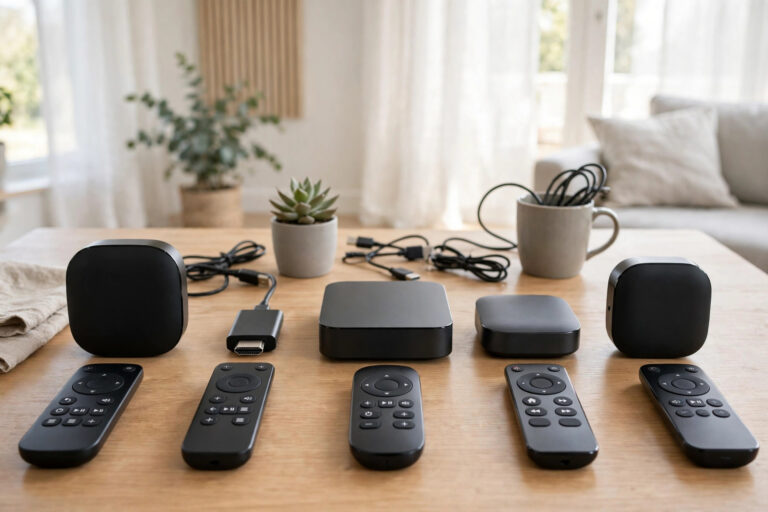
Direct answer: Choose a streaming device by answering five questions, not by reading spec sheets: (1) What does your TV already do? (a good smart TV may need no device
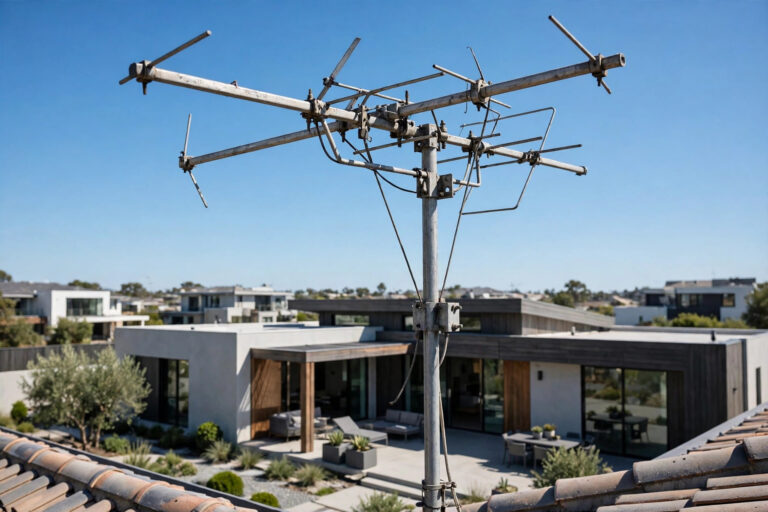
Direct answer: A hybrid setup runs the aerial for free-to-air broadcast (live staples, zero bandwidth, works when the internet doesn’t) and IPTV for the depth (sport, films, catch-up, international, on-demand)

Direct answer: A rented home is streaming’s natural habitat: the service needs nothing installed (an account, an app, a screen you own) and the network improvements renters actually need are
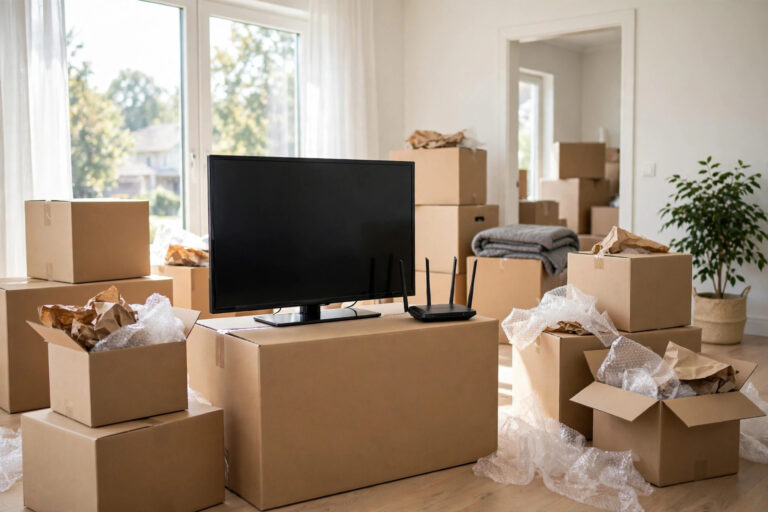
Direct answer: A house move breaks streaming in predictable places, so the checklist runs on the move’s own timeline: before signing — check the new address’s real broadband options and
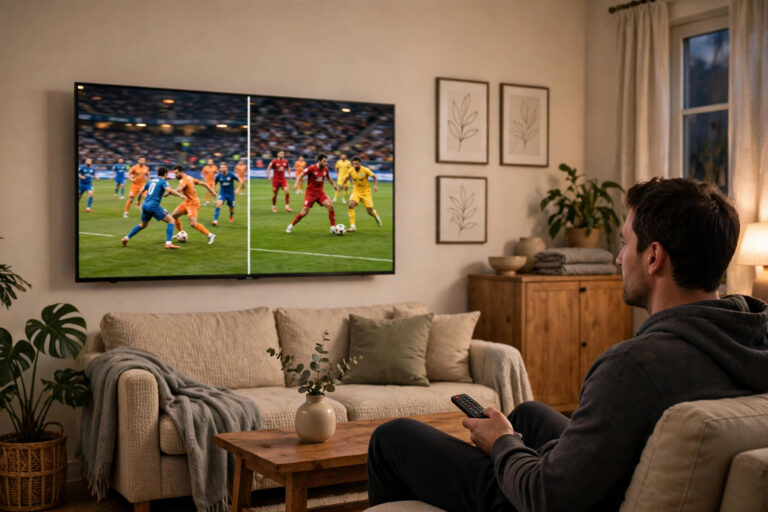
Direct answer: Picture-in-picture (PiP) floats one channel in a small window over another; multiview splits the screen into two to four live panes. Both are the sports fan’s answer to
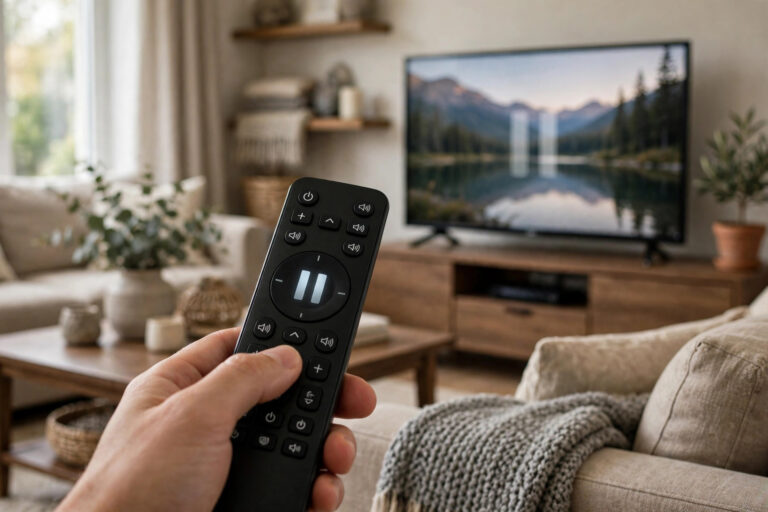
Direct answer: When you pause live TV, your player keeps the stream arriving and stores it in a local buffer (on the device or attached storage); pressing play resumes from
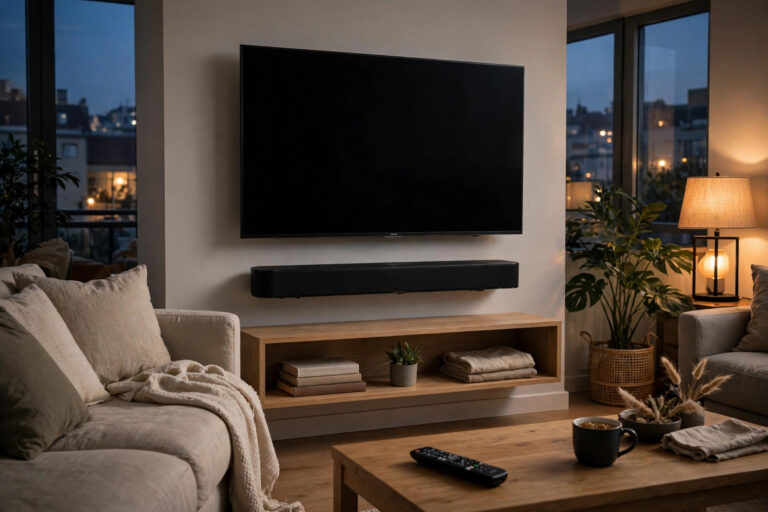
Direct answer: Set up IPTV sound as a chain, in this order: (1) choose the rung — TV speakers (tuned) for the spare room, a soundbar for the main TV
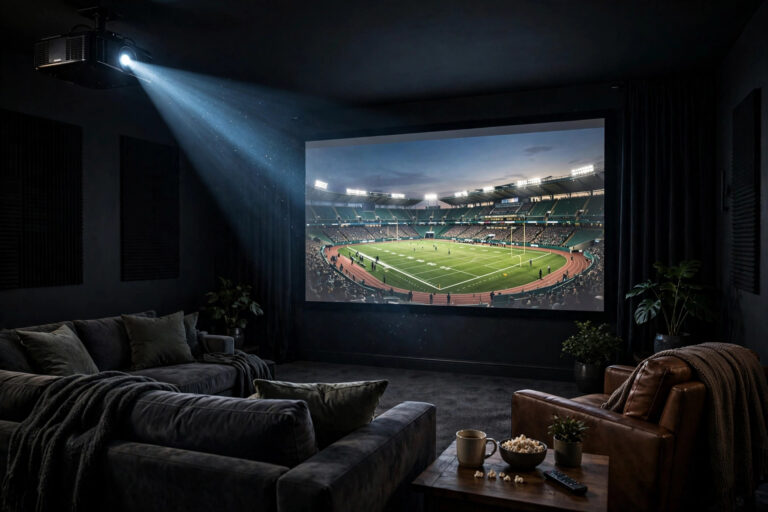
Direct answer: IPTV works beautifully on a projector when you solve the three things a projector changes: (1) light — the room, not the stream, decides contrast; even a modest
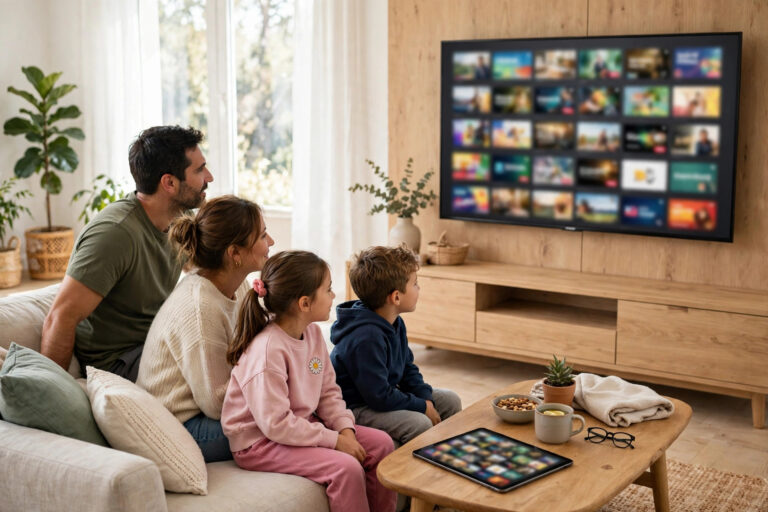
Direct answer: A meaningful amount of television is legally free through broadcasters’ own apps (the catch-up and live apps published by the channels themselves in your country) and free ad-supported

Direct answer: When an IPTV provider goes dark: (1) verify it is really a shutdown — check their status page/socials and rule out your own connection (most “shutdowns” are outages);

Direct answer: In any IPTV provider’s terms, eight clauses decide your real rights: (1) what the service actually is (and is not guaranteed to be); (2) refunds — the window

Direct answer: Support fixes problems at the speed of the information you give them. A first message that gets results contains six things: (1) who you are (account email, plan);
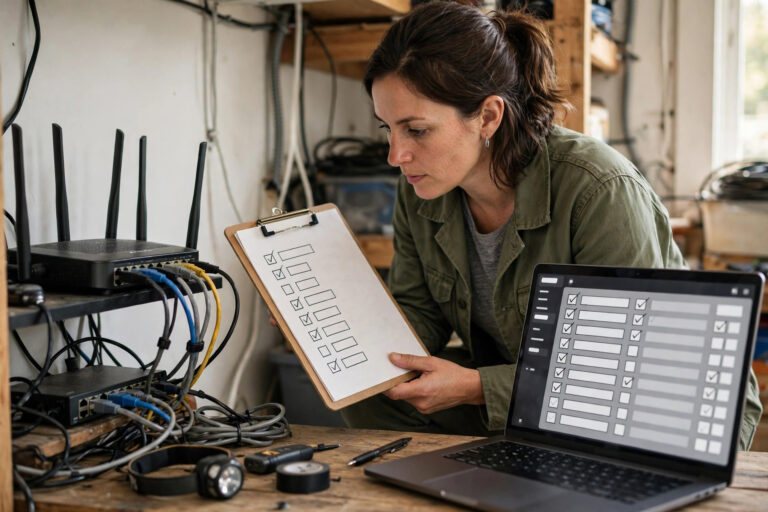
Direct answer: A home network audit is eight checks in one hour: (1) measure the evening truth — speed and consistency at the TV, at peak, not the midday headline;
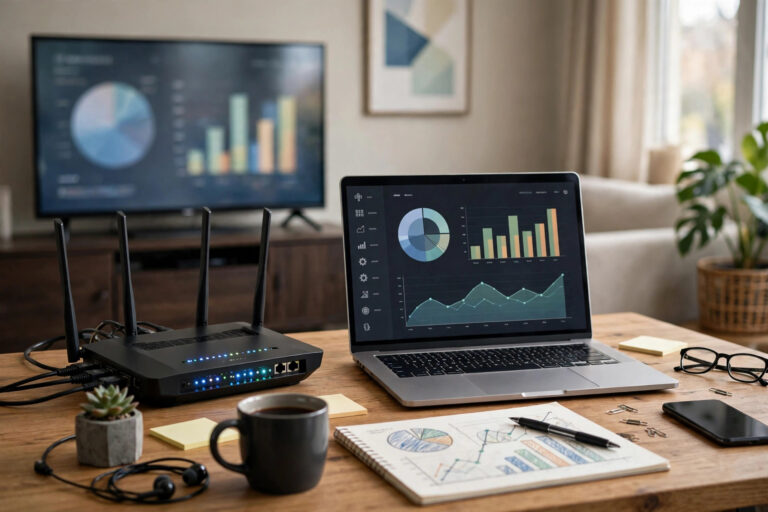
Direct answer: IPTV data use scales with picture quality, roughly: SD ≈ 0.5–1 GB per hour, HD ≈ 1.5–3 GB per hour, 4K ≈ 6–8+ GB per hour — treat
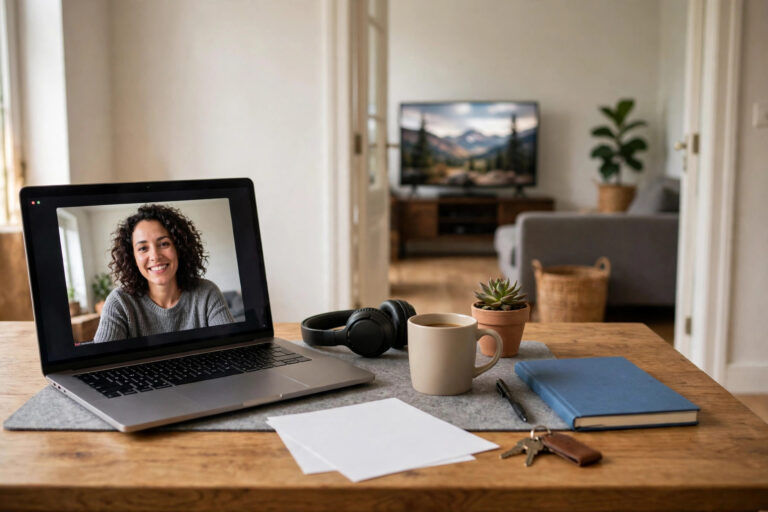
Direct answer: Working-from-home calls and IPTV coexist easily on paper — a video call needs only a few megabits each way, a TV stream a modest steady flow — and
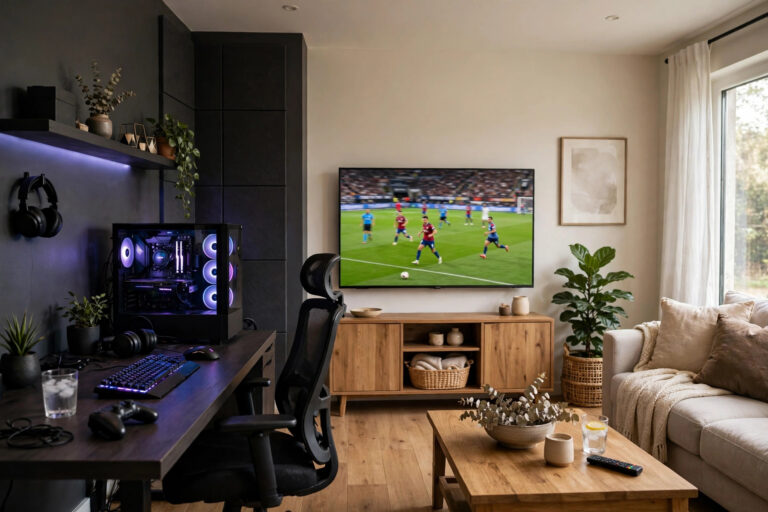
Direct answer: A game and a TV stream fight because they want different things: the stream wants a steady flow of bandwidth; the game wants tiny, instant replies (low latency)
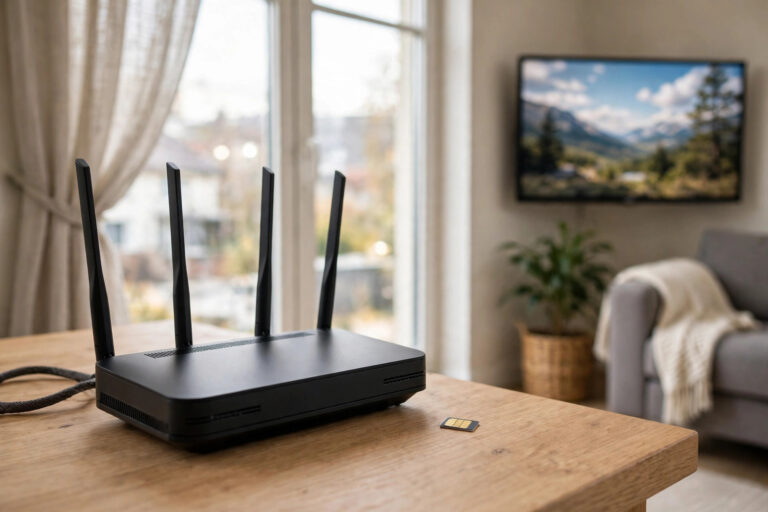
Direct answer: IPTV runs well on a 4G/5G router when three things are true: the mobile signal at the router’s position is strong and stable (one room can differ from
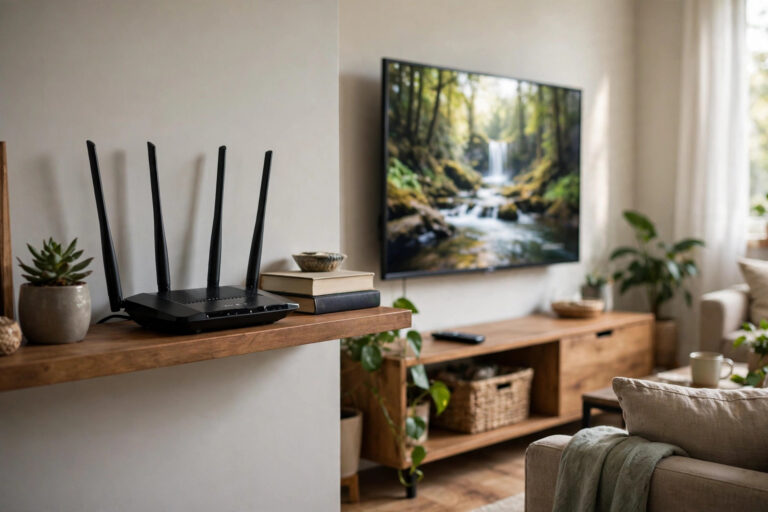
Direct answer: 5 GHz is the better streaming band when it reaches your TV well — faster and far less crowded — while 2.4 GHz is the better band when
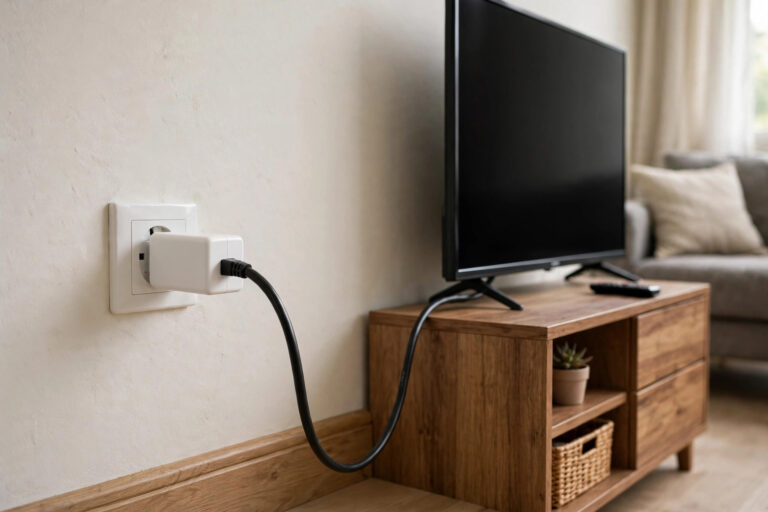
Direct answer: Powerline adapters send network data over your home’s electrical wiring: one adapter at the router, one at the TV, Ethernet at both ends — a wired connection to

Direct answer: Mesh WiFi for IPTV streaming replaces one shouting router with a team: two or three nodes that blanket the home in a single network, handing your TV from
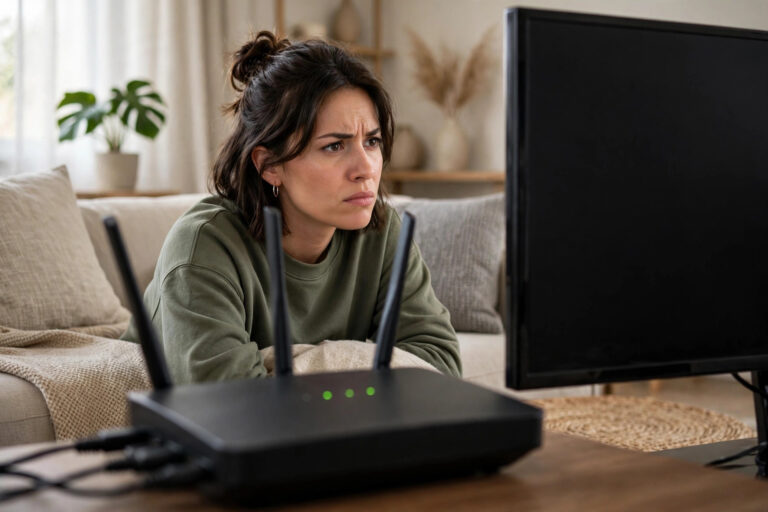
Direct answer: A TV or streaming stick that keeps dropping Wi-Fi is almost always one of six causes, in this frequency order: (1) weak signal at the TV’s position (walls
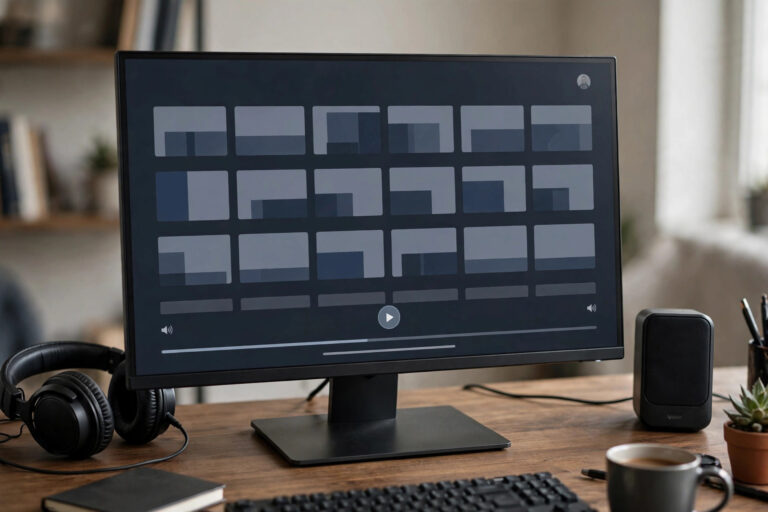
Direct answer: A computer monitor works for IPTV in three ways: (1) plug a streaming stick/box straight into the monitor’s HDMI (the stick is the computer — no PC needed);
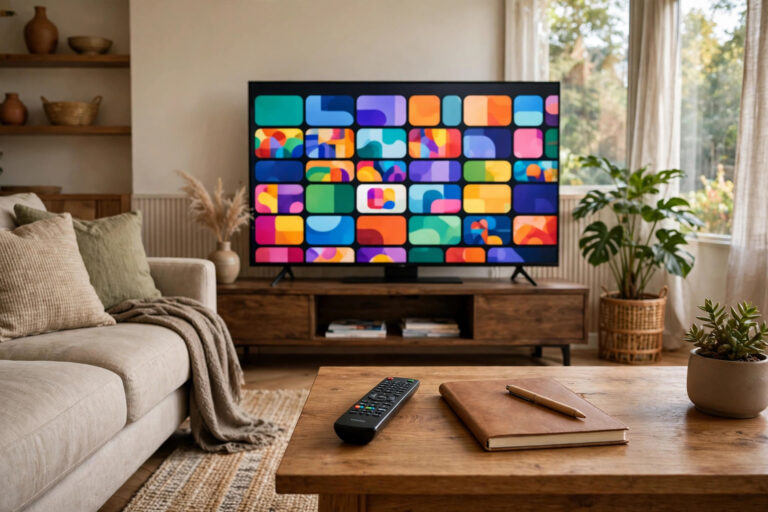
Direct answer: This IPTV starter guide gets you watching in one evening, through five decisions: (1) confirm your internet can carry it (a stable connection in the ranges our speed
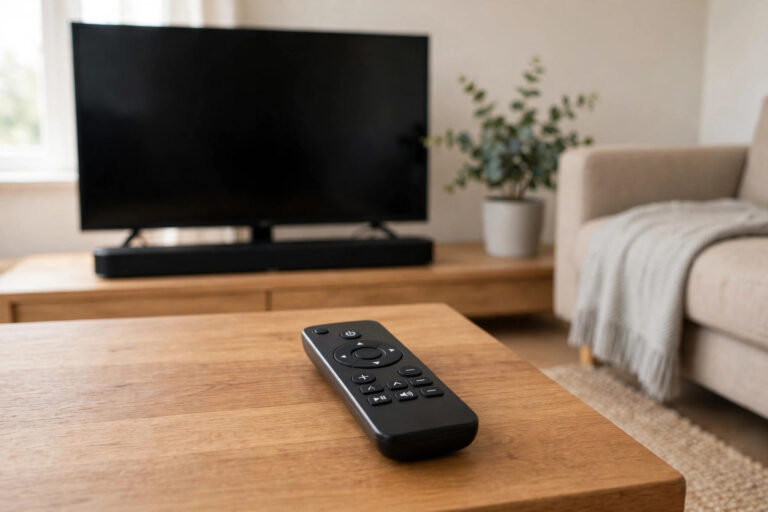
Direct answer: HDMI-CEC is the control language built into HDMI cables: with it enabled, devices command each other — the TV remote navigates your streaming stick, switching the stick on
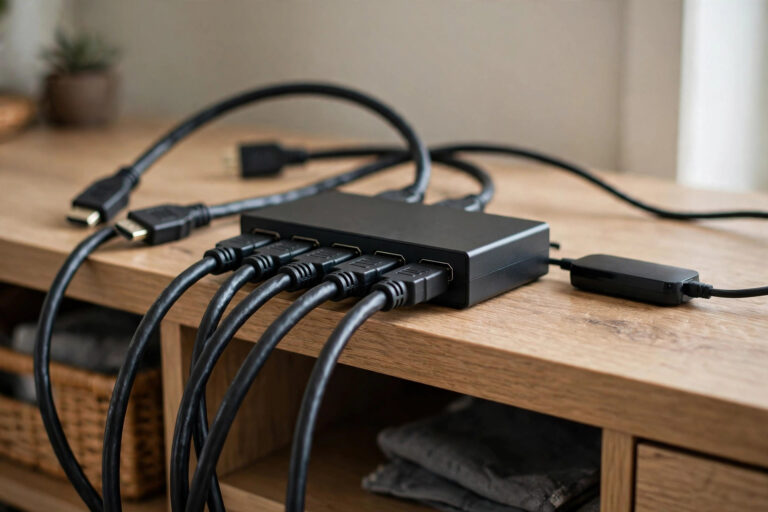
Direct answer: A switch and a splitter solve opposite problems, and both get confused constantly. A switch = many sources → one screen: it lets a stick, a console and
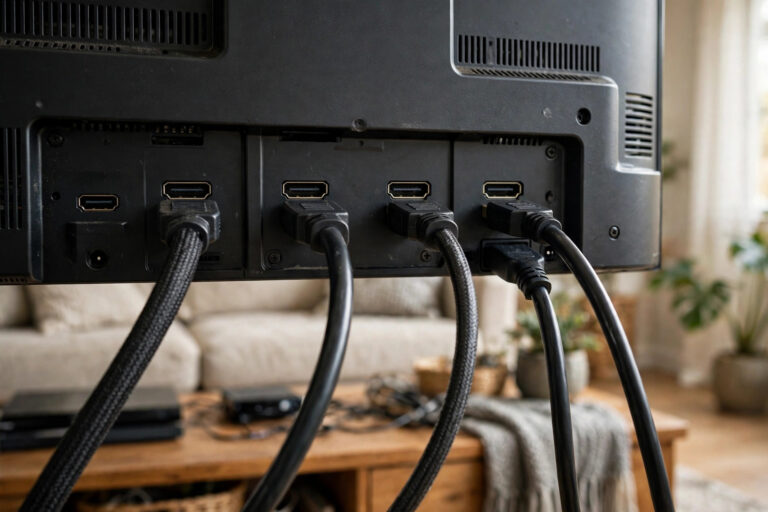
Direct answer: A full HDMI panel does not block IPTV — you have five routes, ranked by sense: (1) Use the TV itself if it is a smart TV with

Direct answer: IPTV helps language learning because it delivers the two things apps cannot: volume and authenticity – hours of native speech in real contexts, with tools to scaffold it.

Direct answer: IPTV accessibility comes in four layers, and you usually combine them: (1) the content layer – subtitles/captions and audio description carried with the programme (availability varies by channel

Direct answer: Test an IPTV subscription across four windows, not one sitting: (1) Setup hour – install, sign in, build favourites, note how long it really takes; (2) Daytime browse
Direct answer: The buffer is the small reserve of stream your player downloads ahead of what you are watching, measured in seconds. A bigger buffer survives connection wobbles without freezing,
Direct answer: Hardware decoding uses your device’s dedicated video chip to unpack the stream – it is efficient, cool-running and handles 4K/high-bitrate smoothly, so it is the right default for
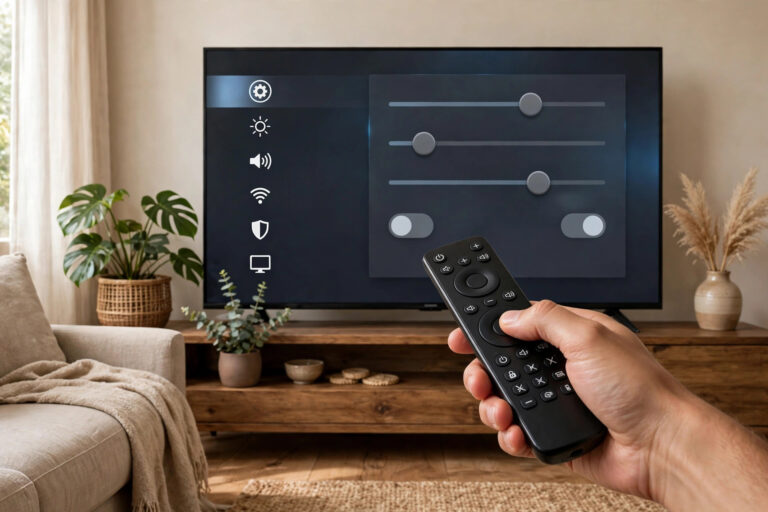
Direct answer: On a fresh IPTV player install, change these seven settings first, in this order: (1) the guide/EPG time offset (so listings line up with real time), (2) your
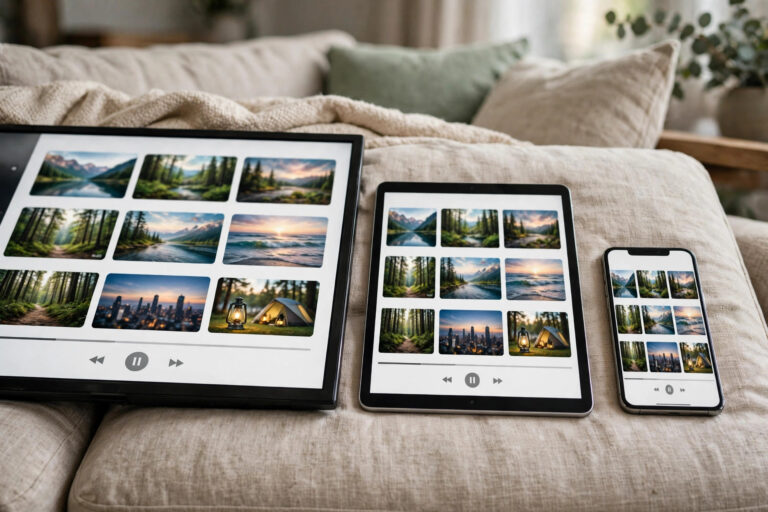
Direct answer: Using the same IPTV player on your TV, phone and tablet shares your service account and playlist – that part travels, because it lives with the provider. Almost
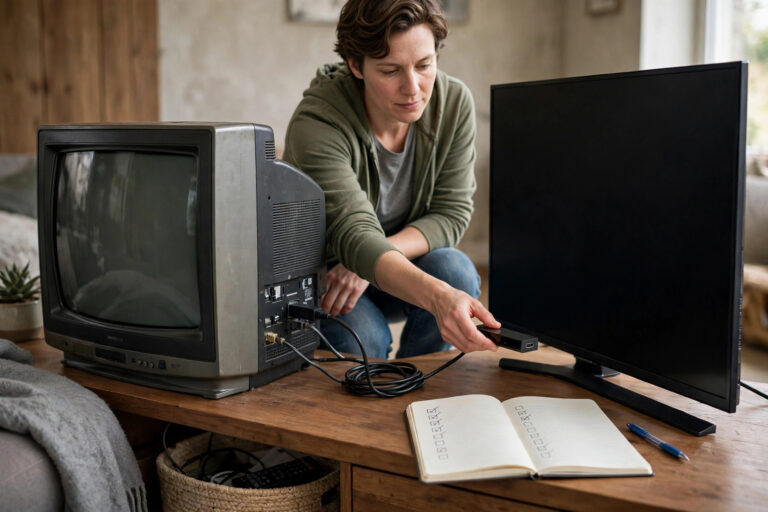
Direct answer: Backing up an IPTV setup means capturing four things before the old device goes: your service sign-in details (portal/playlist + credentials), your favourites list and channel order, your
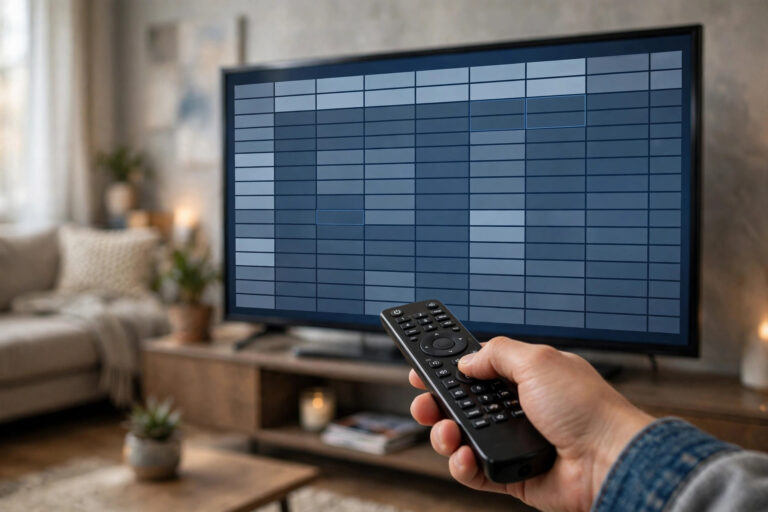
Direct answer: Adding an external EPG source means giving your player a second XMLTV address whose listings it should use instead of (or alongside) your provider’s. You do it in

Direct answer: When the internet drops, IPTV stops – but television does not have to: an aerial/antenna keeps working (broadcast needs no internet), downloaded programmes play offline, and a phone’s

Direct answer: Before paying any IPTV provider, get written answers to ten questions: (1) Which of my must-have channels are included? (2) How many simultaneous streams, on how many devices?
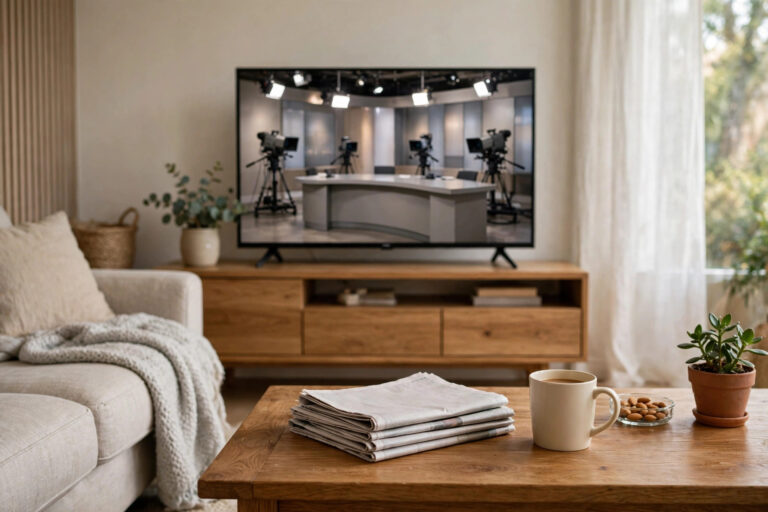
Direct answer: News and documentary watchers should judge an IPTV service on rolling-news breadth (national + international + your language), catch-up depth for bulletins and evening documentaries, a library with
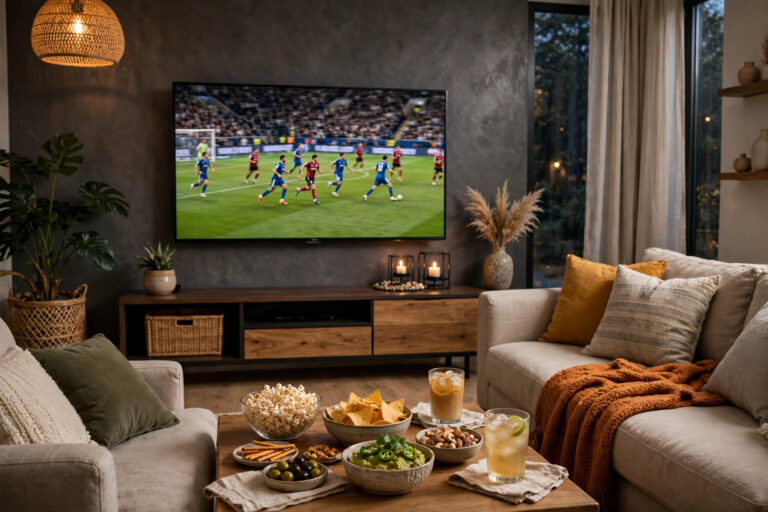
Direct answer: A flawless big-match stream is prepared, not hoped for: test your exact setup at peak hour the day before, wire the main TV, agree the household’s delay-and-spoiler plan,
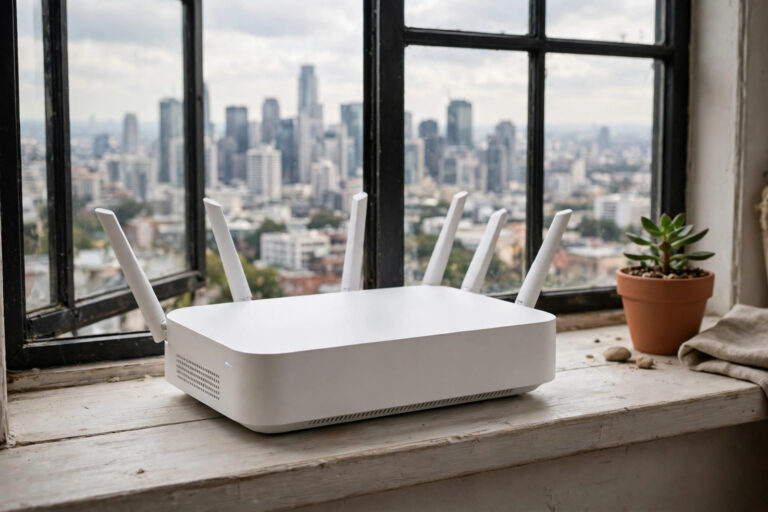
Direct answer: Yes, in a strong-signal area 5G home broadband runs IPTV well – typical speeds exceed streaming’s needs several times over. The experience is decided by three attributes, not
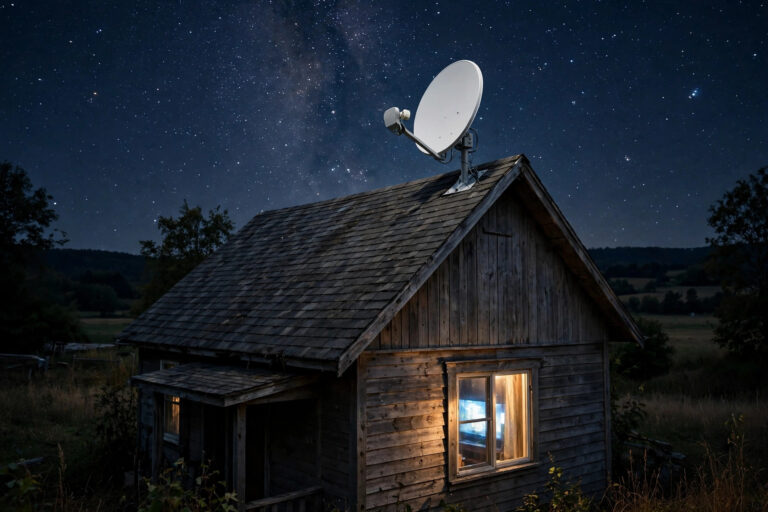
Direct answer: Yes – IPTV on Starlink works for the great majority of homes. Starlink’s download speeds comfortably exceed what streaming needs (a clean HD stream wants a stable ~15–25
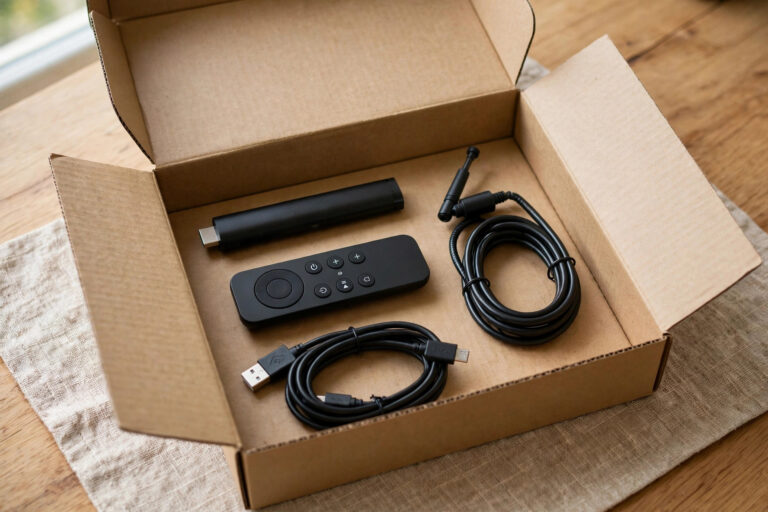
Direct answer: A complete cord-cutting kit is shorter than the cable era wants you to believe: an antenna for free locals, one streaming device per TV, broadband that passes a
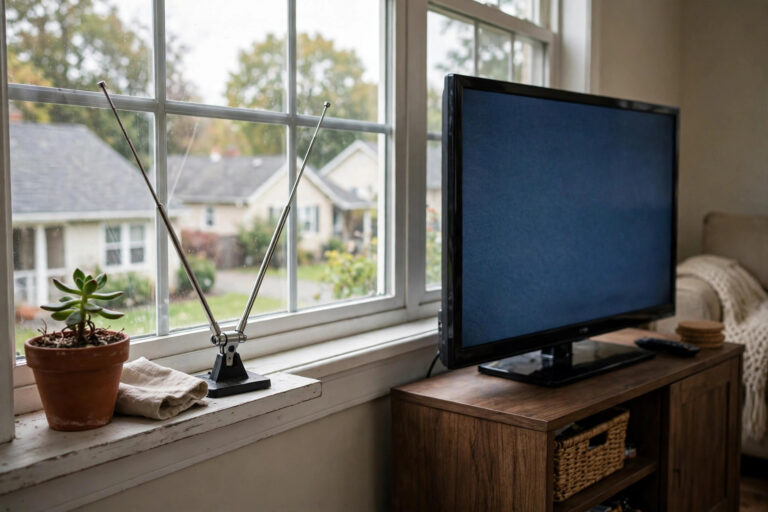
Direct answer: An antenna (OTA – over-the-air) gives you the local broadcast channels – the major networks, PBS and local subchannels – free after the hardware, with superb uncompressed HD

Direct answer: Most IPTV subscriptions are prepaid for a fixed term (1, 6 or 12 months): you pay, the account is active until the end date, and renewal is either
Direct answer: A workable multi-room plan has three decisions: how many screens play at once at your household’s peak (that is your simultaneous-stream requirement – check it against the plan’s
Direct answer: Switch providers in this order: (1) trial the new service while the old one still runs, (2) validate your must-have channels and peak performance, (3) rebuild your favourites
Direct answer: Film and series lovers should judge an IPTV service by its VOD library, not its channel count: depth in your genres, picture quality up to 4K/HDR where titles

Direct answer: Sports fans should buy IPTV differently from everyone else, because live sport is streaming’s stress test. The checks that matter: your leagues and channels actually present in the
Direct answer: A fair IPTV trial is the real service, briefly: same channels, same quality, same support – limited by time, not by secretly reduced quality. AuraStream’s model is the

Direct answer: Most IPTV scams share one smell: a price that cannot pay for the thing being sold. Legitimate television costs real money to license and deliver, so “lifetime access
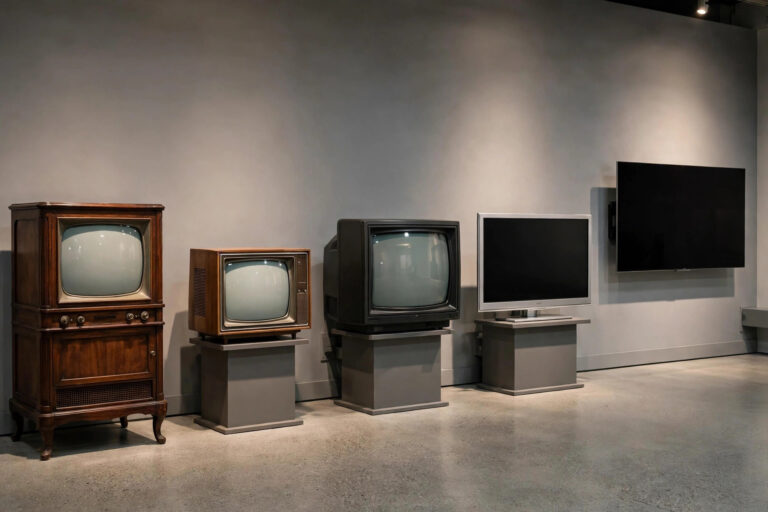
Direct answer: Television’s delivery story runs in five turns: broadcast (aerials, from the 1930s–50s), cable (wires carrying more channels, growing from the 1960s–80s), satellite (the dish era, 1980s–90s), digital (broadcast
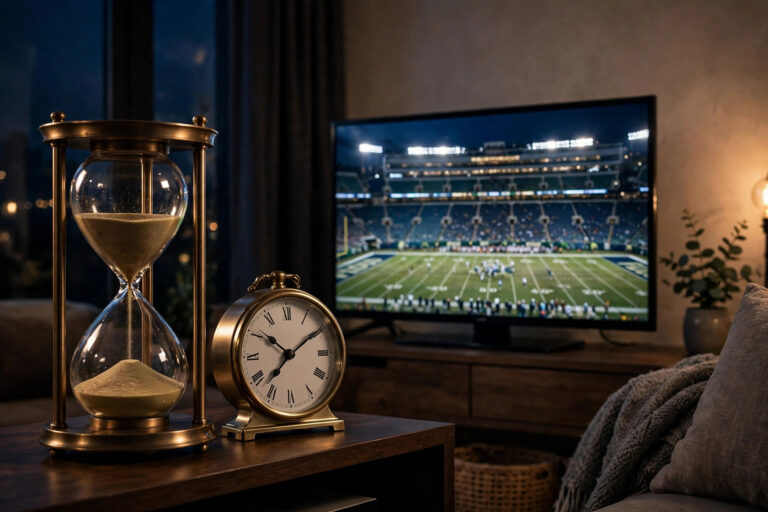
Direct answer: “Live” streaming is delayed at every hand-off: the broadcast itself adds a production delay (for compliance and graphics), the signal is then encoded, sliced into segments, pushed through
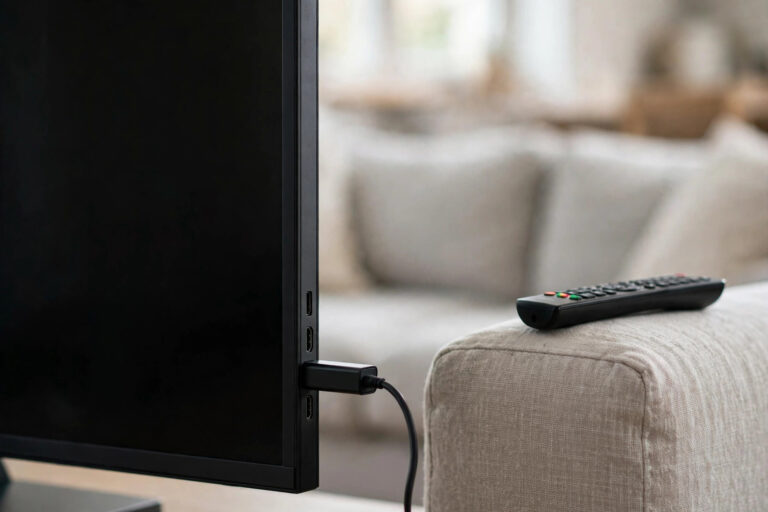
Direct answer: A streaming stick is a small computer in the shape of a fat USB stick that plugs into a TV’s HDMI port, connects to Wi-Fi, and runs streaming
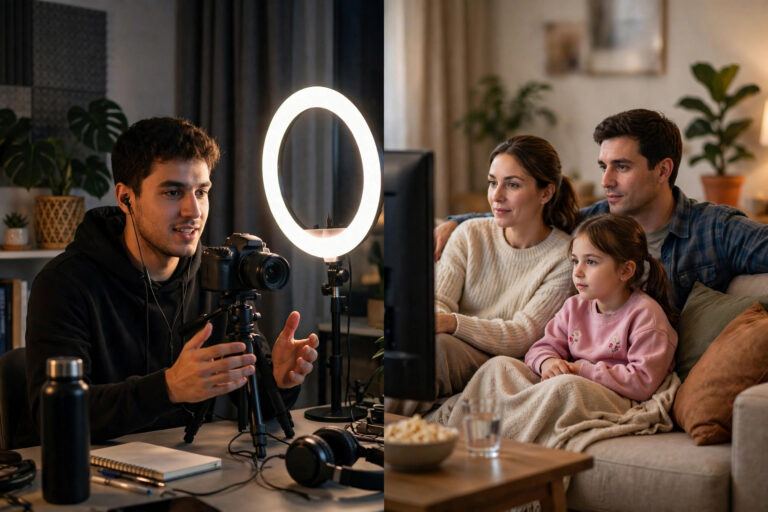
Direct answer: They overlap, but they are not the same thing. Live streaming is a method – sending video over the internet as it happens (a football match, a gamer,
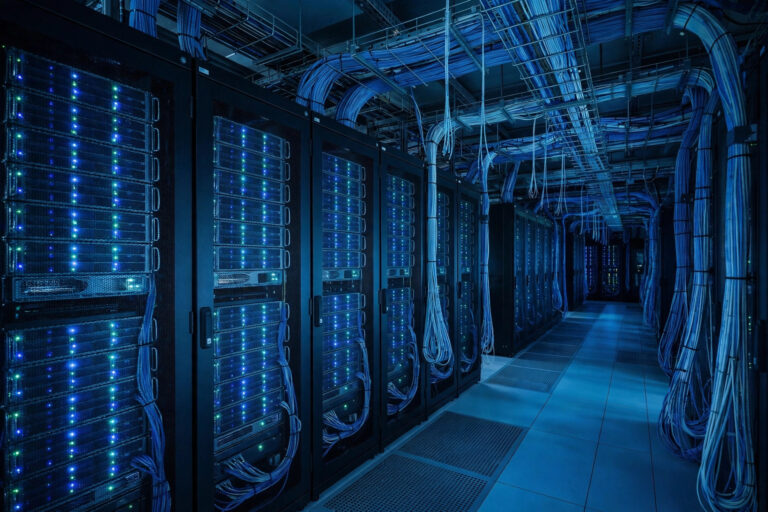
Direct answer: Behind the scenes, IPTV is a relay race. A provider receives channels from broadcast sources, encodes them into internet formats at several quality levels, packages them into small

Direct answer: XMLTV is a standard file format for TV listings – the guide data behind your EPG, written in XML so any player can read it. An XMLTV file
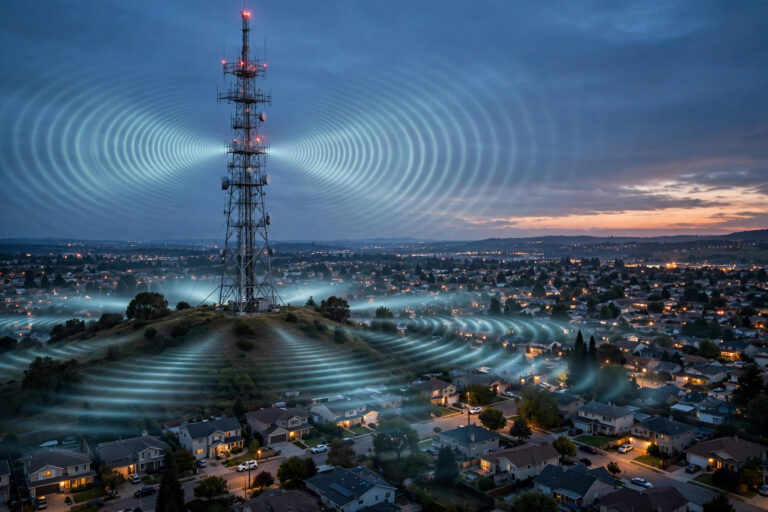
Direct answer: Unicast is one-to-one: every viewer gets their own personal stream, so 10,000 viewers means 10,000 streams. Multicast is one-to-many: the network sends a single stream and every interested
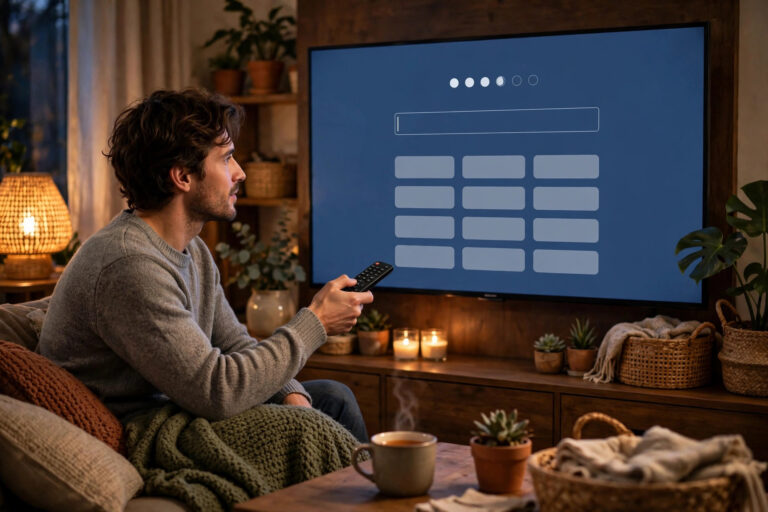
Direct answer: An IPTV portal is the web address of the server your player signs in to – the front door of the service. You enter the portal URL (plus
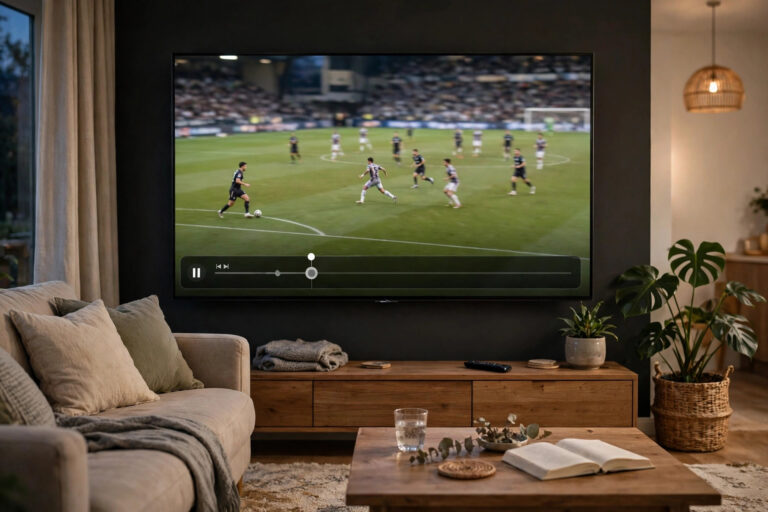
Direct answer: All three bend time; they differ in scope. Timeshift is the umbrella idea – watching a broadcast at a different time than it aired, including pausing and rewinding
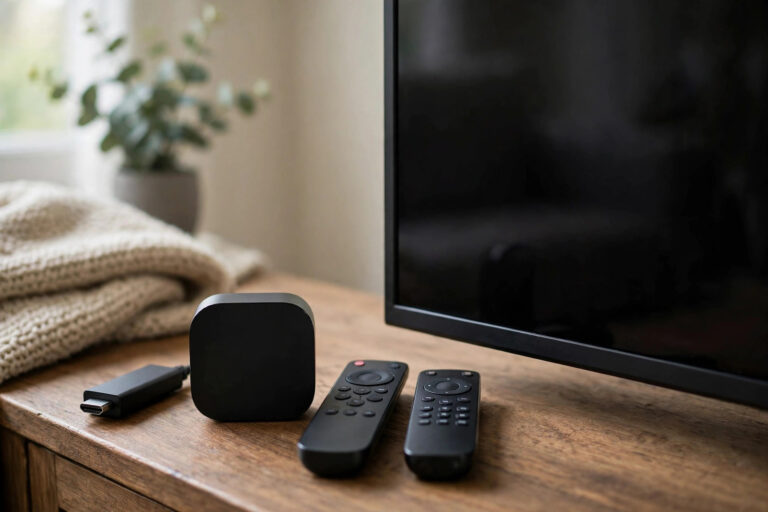
Direct answer: There is no single best device for IPTV – there is a best per screen. For most TVs the shortlist is: a streaming stick/box (Firestick-class) for flexibility and
Direct answer: Cloud DVR is recording that happens on the provider’s servers: you mark a programme, the service stores its copy in the cloud, and you stream it back later
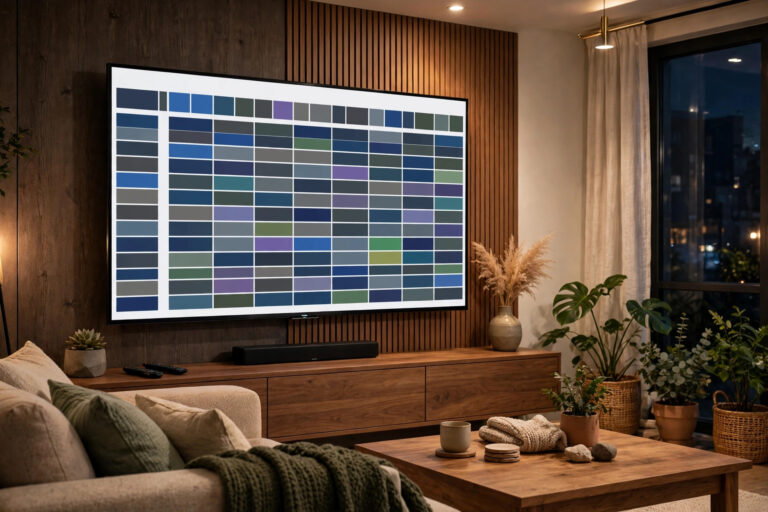
Direct answer: An EPG – electronic programme guide – is the grid on your screen showing what is on every channel now, next and over the coming days, built from
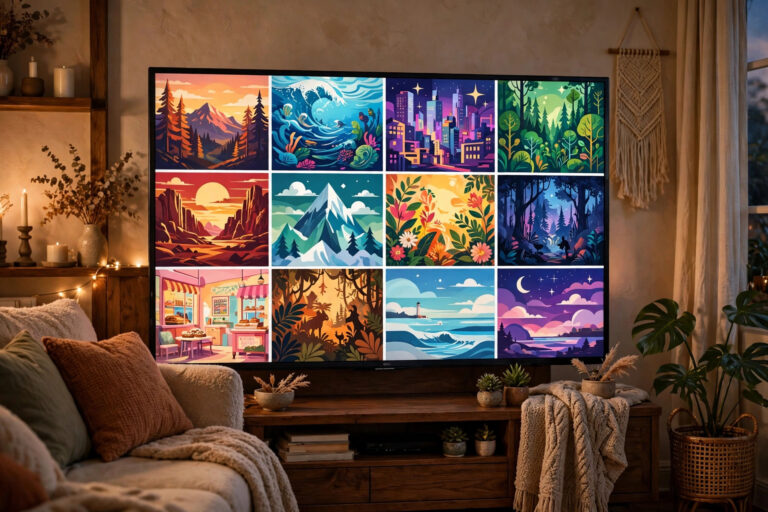
Direct answer: VOD – video on demand – is the part of a TV service where you press play: films and series stored on the provider’s servers, started, paused and
Direct answer: IPTV runs behind “live” because the stream takes a journey broadcast does not: the picture is encoded, chopped into small segments, delivered over the internet, and deliberately buffered
Direct answer: Freeview is free-to-air TV through an aerial – a fixed set of UK channels, no subscription, no internet needed. IPTV is TV through your broadband – a far
Direct answer: 4K on IPTV means the stream carries 3840×2160 resolution – four times Full HD’s pixels – and HDR adds a wider range of brightness and colour on top.

Direct answer: Great IPTV picture quality comes from a chain matching end to end: the stream’s own quality (the ceiling – pick the HD/4K version of the channel where offered),
Direct answer: Update IPTV in two separate motions. The app: update it from its store (Play Store, Appstore, Apple TV App Store) like any other app – or enable its
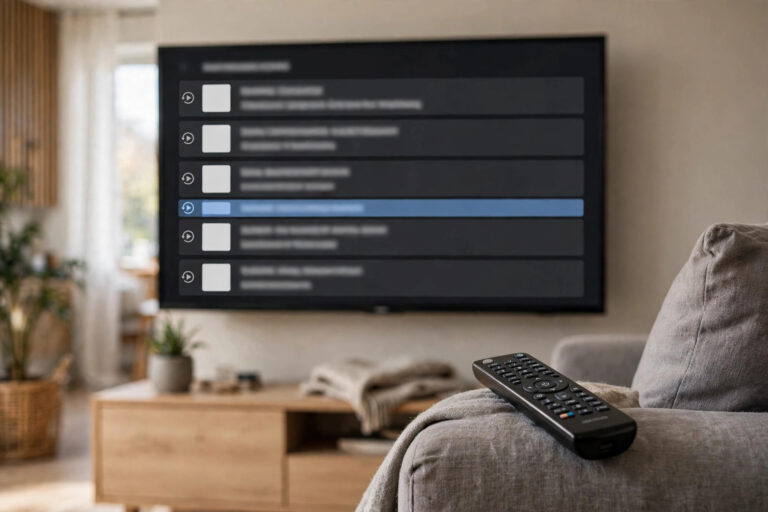
Direct answer: Recording on IPTV comes in three forms. Catch-up TV – the provider keeps recent days of many channels for you to replay, nothing to set up. Cloud recording

Direct answer: IPTV on hotel Wi-Fi works in this order of reliability: watch on your own device (laptop/tablet/phone signed into the hotel network through its login page), cast or connect
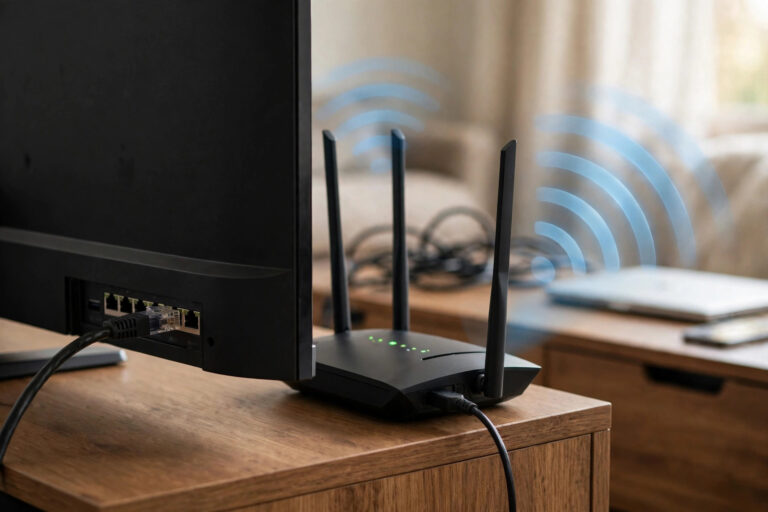
Direct answer: For a fixed TV, Ethernet is better whenever you can run it: it removes the three things that break streams – signal loss through walls, neighbour congestion and
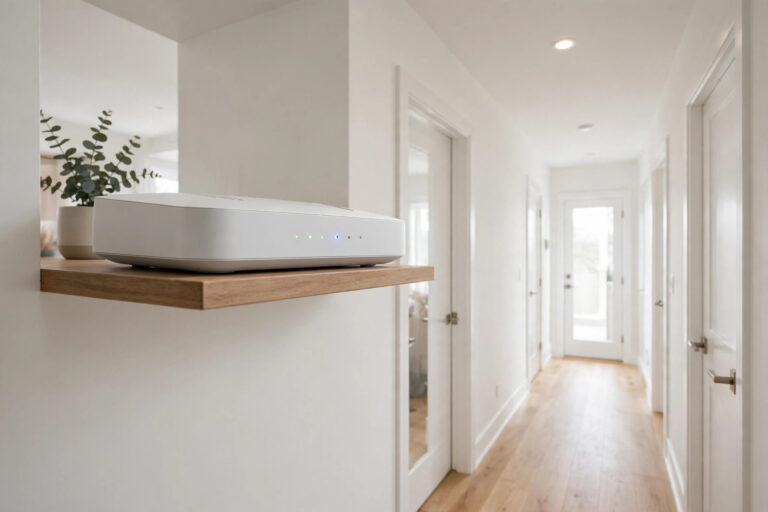
Direct answer: The router settings that genuinely help IPTV, in order of impact: place the router centrally and high; put the TV device on the right band (5GHz near, 2.4GHz
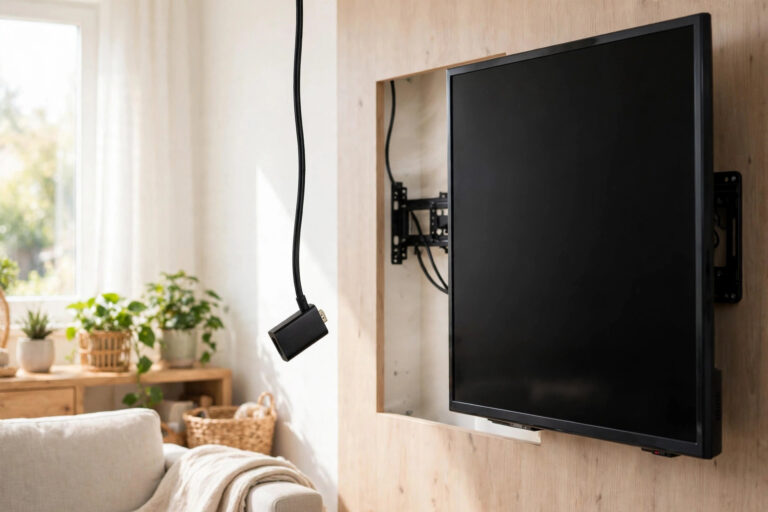
Direct answer: A Firestick that freezes during IPTV is usually too hot, too full, or running on its weak boxed power supply and a tired cache – in that order.

Direct answer: IPTV buffers during live sport because kick-off is a perfect storm: everyone tunes in at the same second (stressing the provider’s servers), your own household and neighbourhood networks

Direct answer: Slow channel changing (“zapping”) on IPTV comes from the work each new channel requires: the player must request the stream, buffer a few seconds of it, and start
Direct answer: When IPTV breaks right after an update, the cause is almost always a mismatch: the device system updated but the app did not (or the reverse), or the
Direct answer: IPTV subtitles fail for predictable reasons: the channel or film simply has no subtitle track for your language, the player’s subtitles are set to off or the wrong
Direct answer: IPTV error messages look technical but each maps to one of five real causes: the app could not process the stream (decoder/format), the network could not reach or
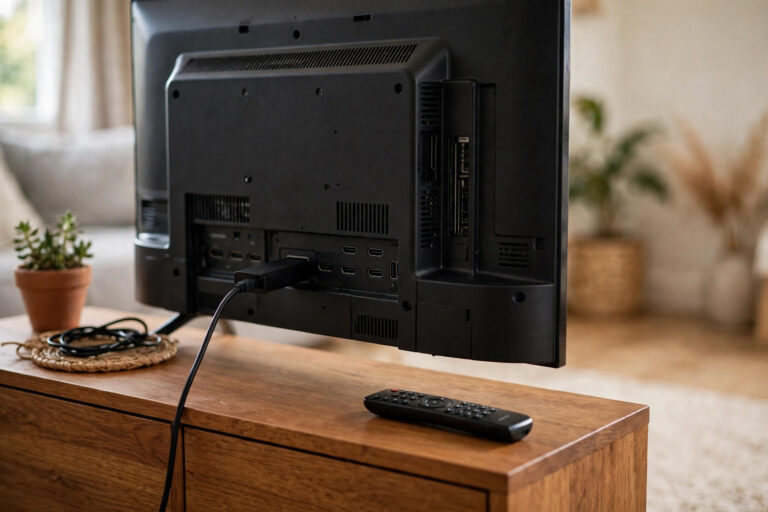
Direct answer: An IPTV app that keeps crashing is usually suffering from one of five fixable things: a corrupted cache, too little free storage, an outdated app or device system,
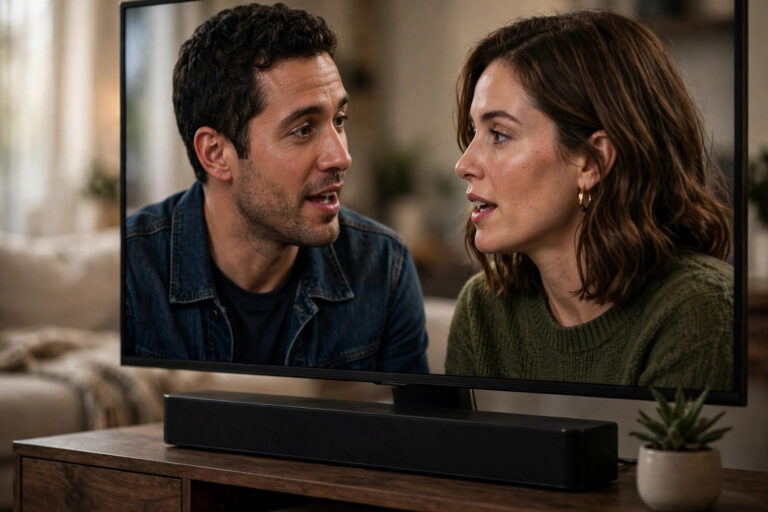
Direct answer: IPTV audio drifts out of sync for three usual reasons: the player or TV is processing video more slowly than sound, a Bluetooth speaker or soundbar is adding
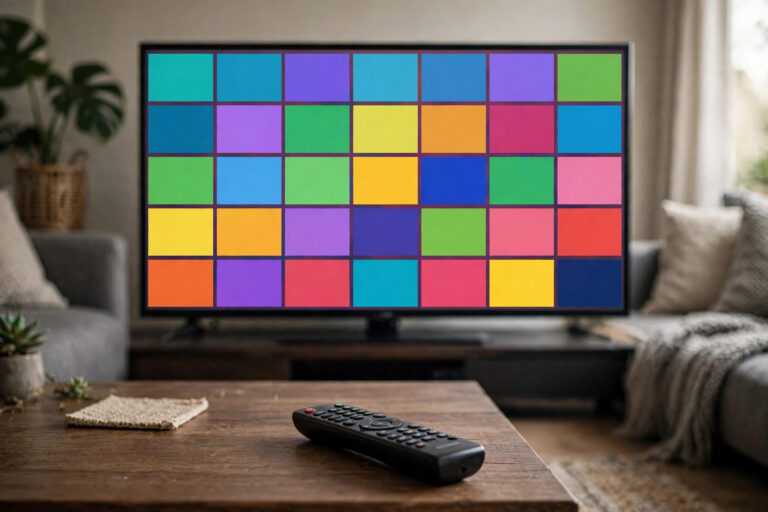
Direct answer: To organise your IPTV channels: build one favourites list of the channels you actually watch (usually 15–30), order it the way your household thinks (news → sport →
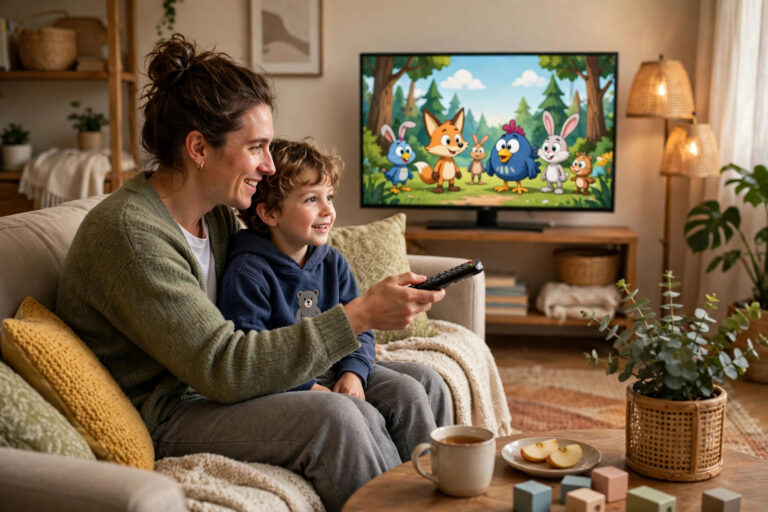
Direct answer: Effective IPTV parental control is a layer cake, not one switch: the IPTV player’s own parental PIN (locking adult categories and settings), the device’s controls (the TV, stick
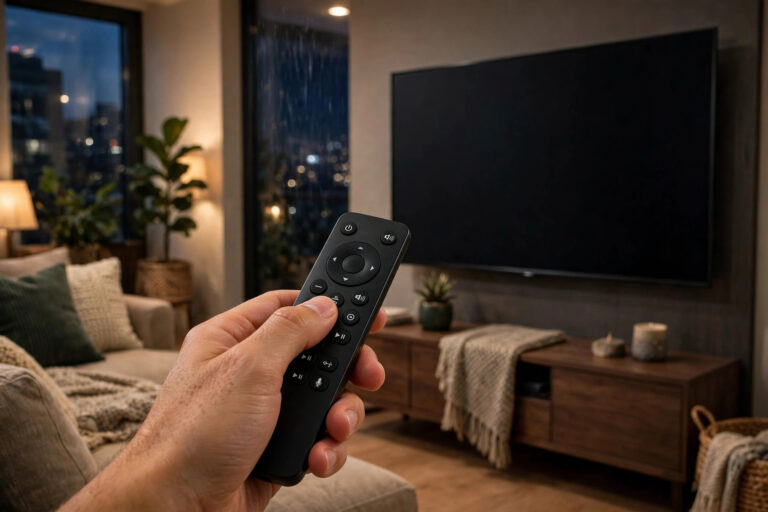
Direct answer: Voice control with IPTV works at two levels. Platform voice (a voice remote on a Fire TV, Android/Google TV, Apple TV or smart TV) can turn the TV
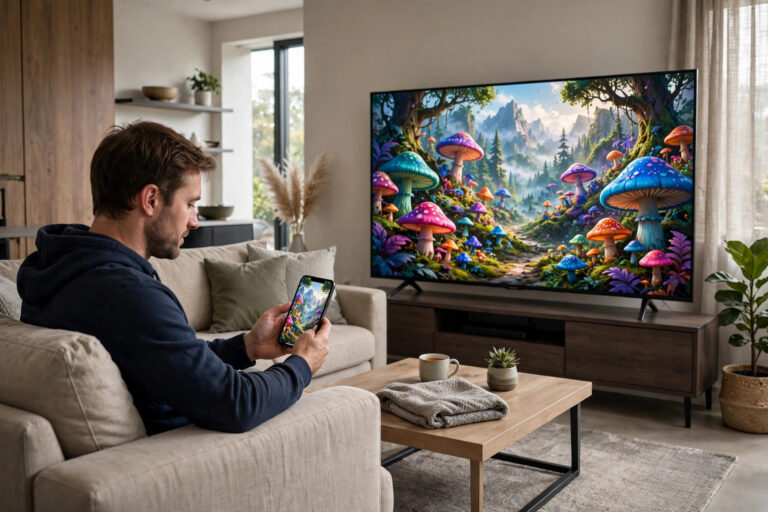
Direct answer: To cast IPTV from your phone to the TV, put both on the same Wi-Fi network, start the channel in your phone’s IPTV player, and tap the Cast

Direct answer: For students and shared houses, IPTV’s advantage is that it runs on hardware you already have – a laptop, a phone, a tablet, the house TV – with

Direct answer: IPTV in a caravan or second home needs three things: a screen with a player (the TV plus a streaming stick is the usual answer), an internet connection
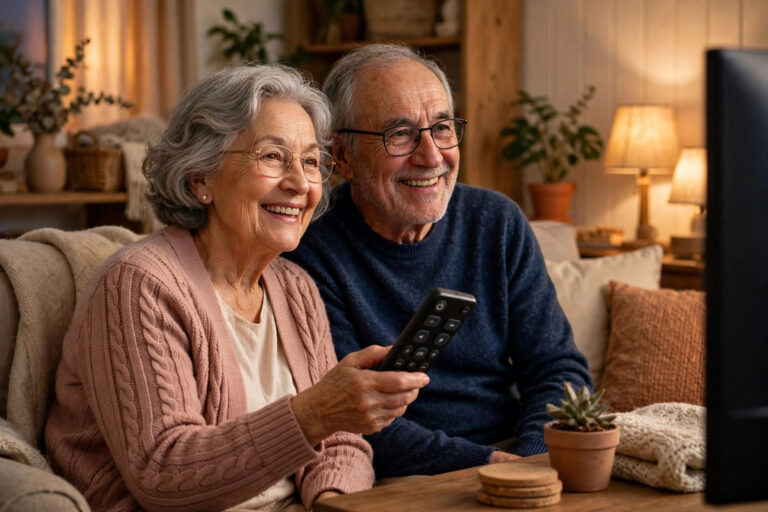
Direct answer: The secret to IPTV for parents and grandparents is not the service – it is removing everything between them and the channel: one device, one remote, a short
Direct answer: Setting up IPTV on a second TV is a sign-in, not a second subscription: install a player on the second TV (its own smart apps, or an inexpensive

Direct answer: To watch IPTV on a Fire tablet, install an IPTV player from the Amazon Appstore on the tablet, sign in with the activation details your provider emailed you

Direct answer: Most modern Chromebooks can watch IPTV two ways: install an Android IPTV player app from the Google Play Store (Chromebooks since the late 2010s mostly support Android apps)
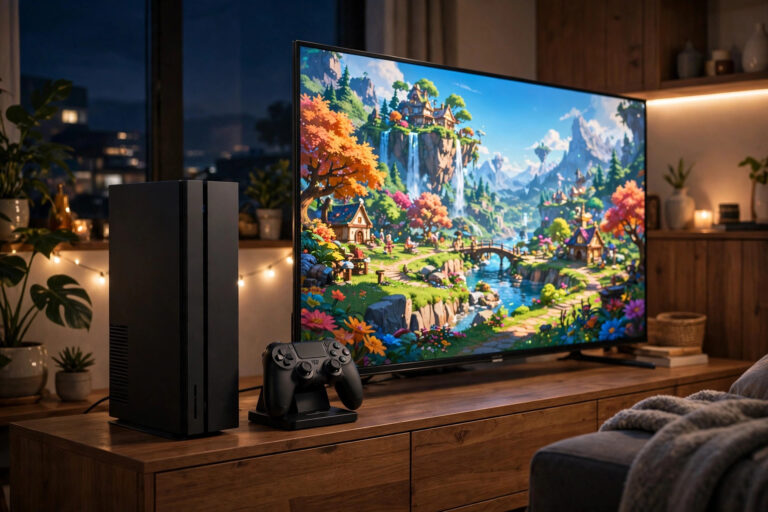
Direct answer: There are no IPTV player apps on PlayStation or Xbox – neither console store offers the kind of player that accepts an M3U playlist or an Xtream Codes
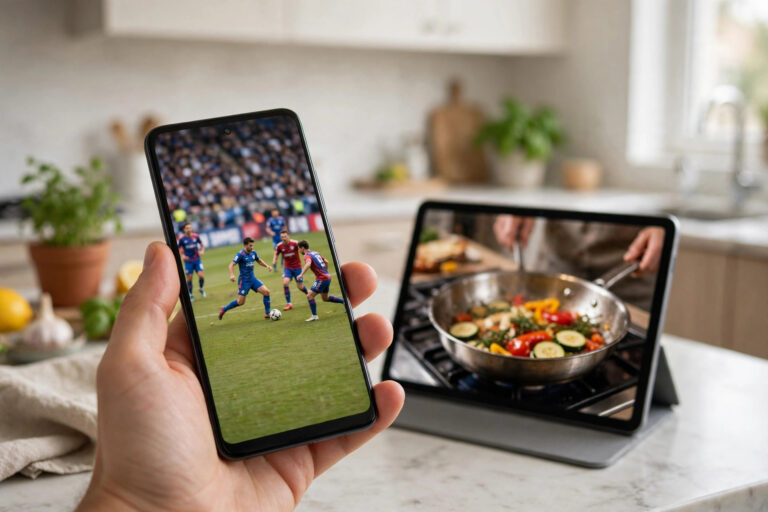
Direct answer: To watch IPTV on an Android phone or tablet, install an IPTV player from the Google Play Store, sign in with the activation details your provider emailed you
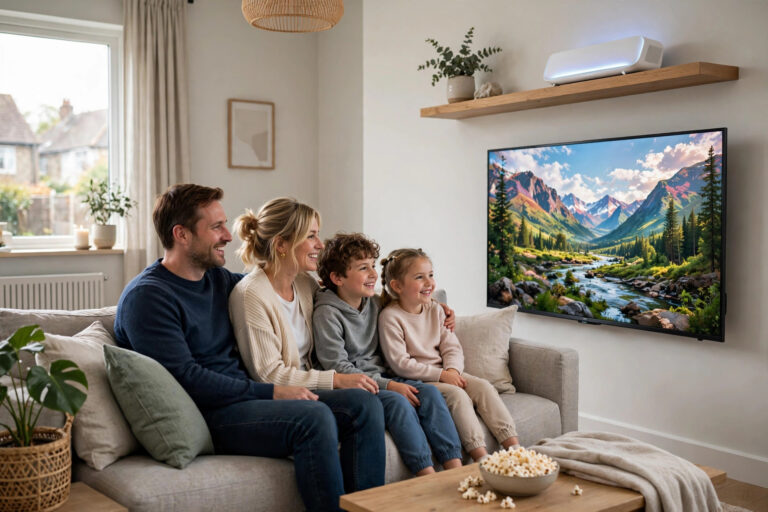
Direct answer: Full fibre (FTTP) brings the fibre cable all the way into your home, unlike part-fibre (FTTC), where the last stretch is old copper phone line. For IPTV, the
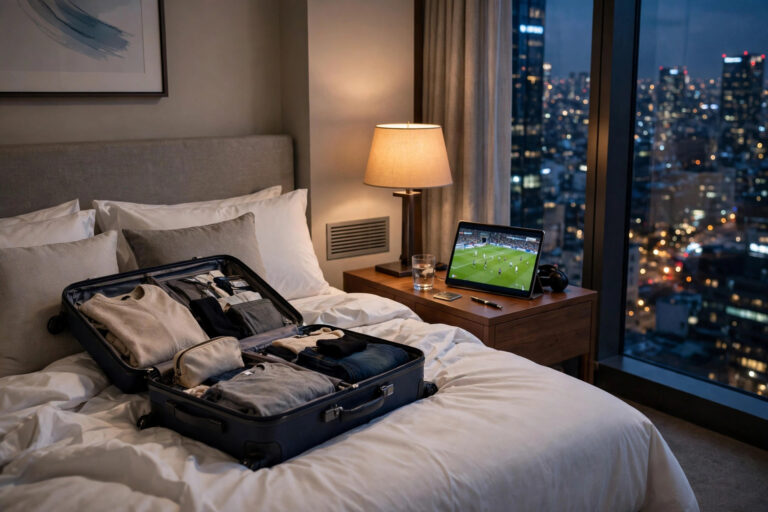
Direct answer: Your IPTV subscription usually travels with you: the same login works on your phone, tablet or laptop wherever you have internet, and a streaming stick in your luggage

Direct answer: IPTV reselling works on a credit model: you buy credits from a provider in advance, and each subscription you sell to a customer spends credits from your balance.
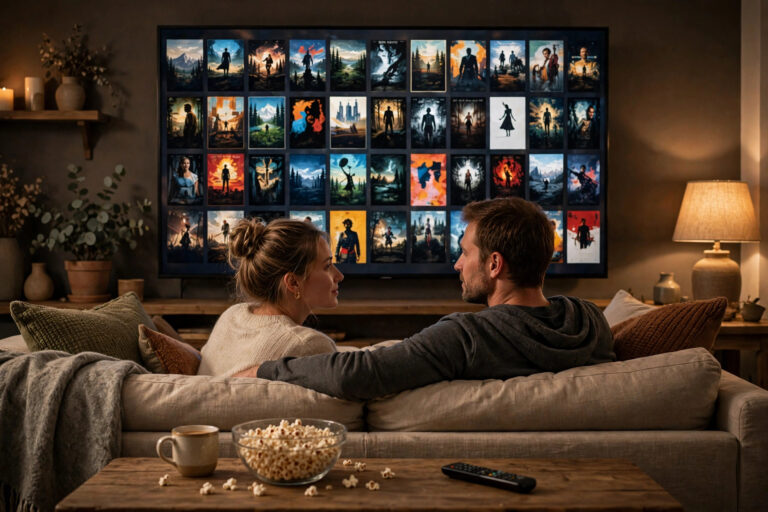
Direct answer: They are different kinds of television. IPTV is live TV delivered over the internet – channels on a schedule, with a programme guide, plus usually an on-demand library
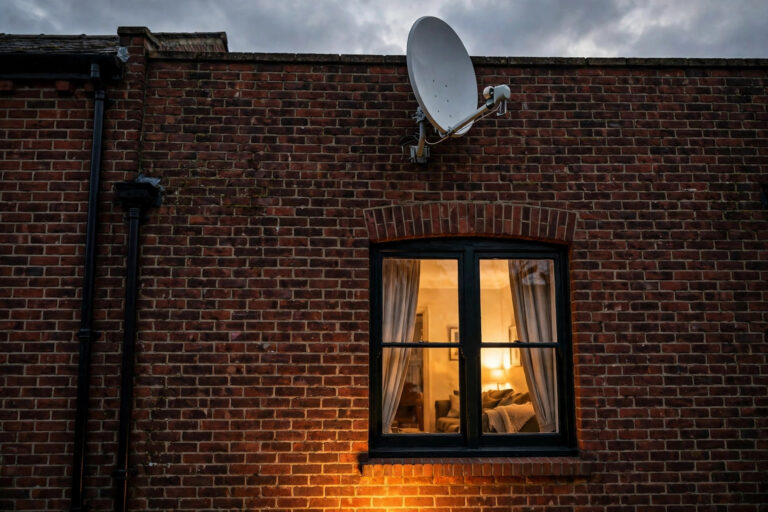
Direct answer: Satellite TV wins where broadband is poor and for households who want a mature, dish-based service that ignores the internet entirely. IPTV wins on no dish, no engineer,